
One thing I've heard from teams using Rallly is that the invite page felt disconnected from their brand. That's the page your guests land on when you send them a poll. When you're sending a scheduling link to a client or a new hire, a generic interface can undercut the experience you've been building everywhere else. Same goes for the confirmation emails participants receive after voting.
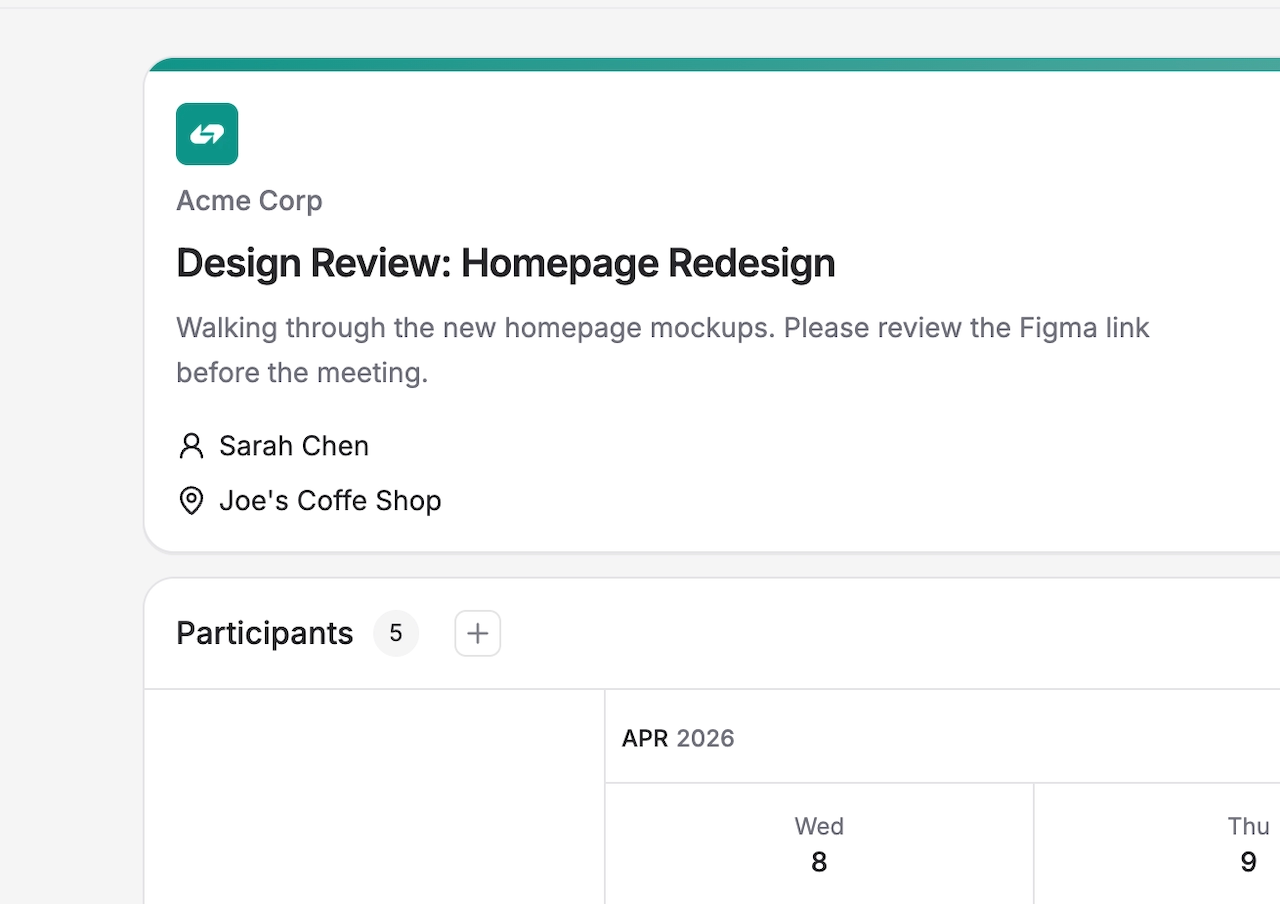
For Pro users, that branding extends to every touchpoint guests see:
- Your space icon appears on the poll event card
- Your custom primary color is applied to the invite page
- Confirmation emails participants receive after voting include your logo and colors
It's a small change visually, but it makes a real difference when the person on the other end sees something that actually looks like it belongs to you.
How to set it up
- Go to Space Settings
- Upload your logo and pick a primary color
- Toggle Enable Custom Branding
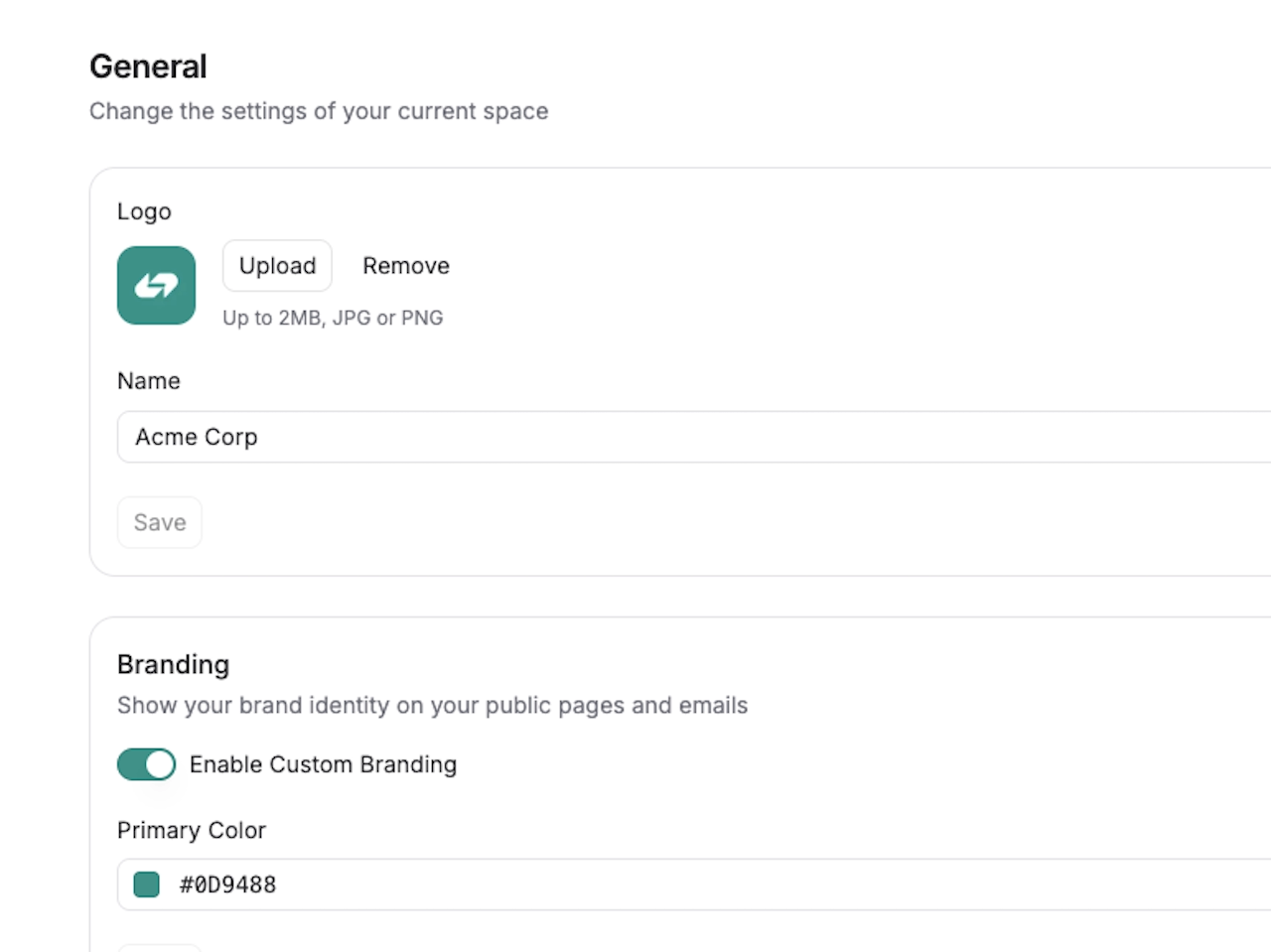
All of your public facing pages will use your branding automatically.
As always, if you have feedback or run into anything, I'd love to hear from you at feedback@rallly.co.